Quick-start
Since Mosanic a browser-based platform, it’s easy for non-developers to jump in and start creating things.
What you'll need:
- 🏁 A Mosanic account.
- ⏳ 10 minutes of time
The goal:
Publish your first Mosanic page in 10 minutes 🤯!
1. Getting Started
Get started by registering an account.
2. Go to your dashboard
After you've created your account, you will be redirected to your dashboard.
If you're not redirected:
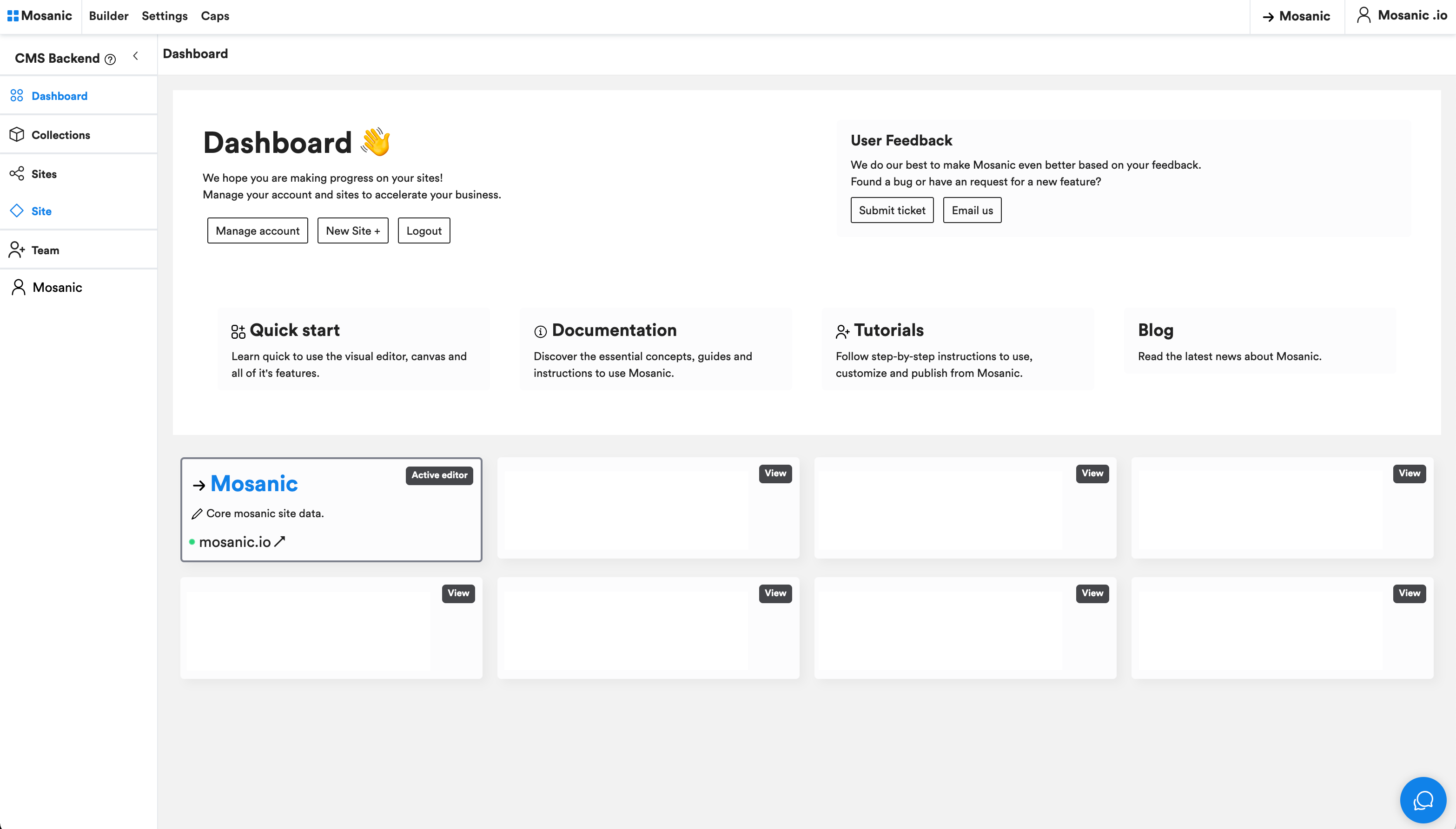
- Dashboard
- Actions
- Docs
- Feedback
- Nav
- Help
> The dashboard is the center of your Mosanic experience.
> From here you can access your sites by clicking on them or go to your account.
> Need help? Click quick-start or the documentations for this guide.
> You will also be able to leave feedback based on your experience on Mosanic.
There are two navigation menu's.
> The sidebar where you can switch to different admin pages
> The top nav, from here you can go to the builder, select one of your sites and acces your account.
> The sidebar where you can switch to different admin pages
> The top nav, from here you can go to the builder, select one of your sites and acces your account.
> To get help, hit the chat button in the bottom.
3. Create project
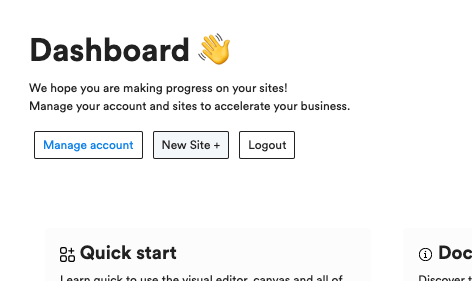
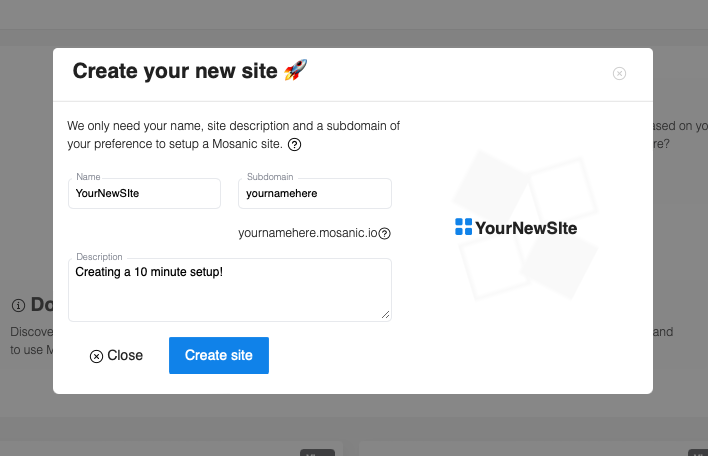
Click New Site + to create a new site.
- 3.1 Click
- 3.2 Fill in
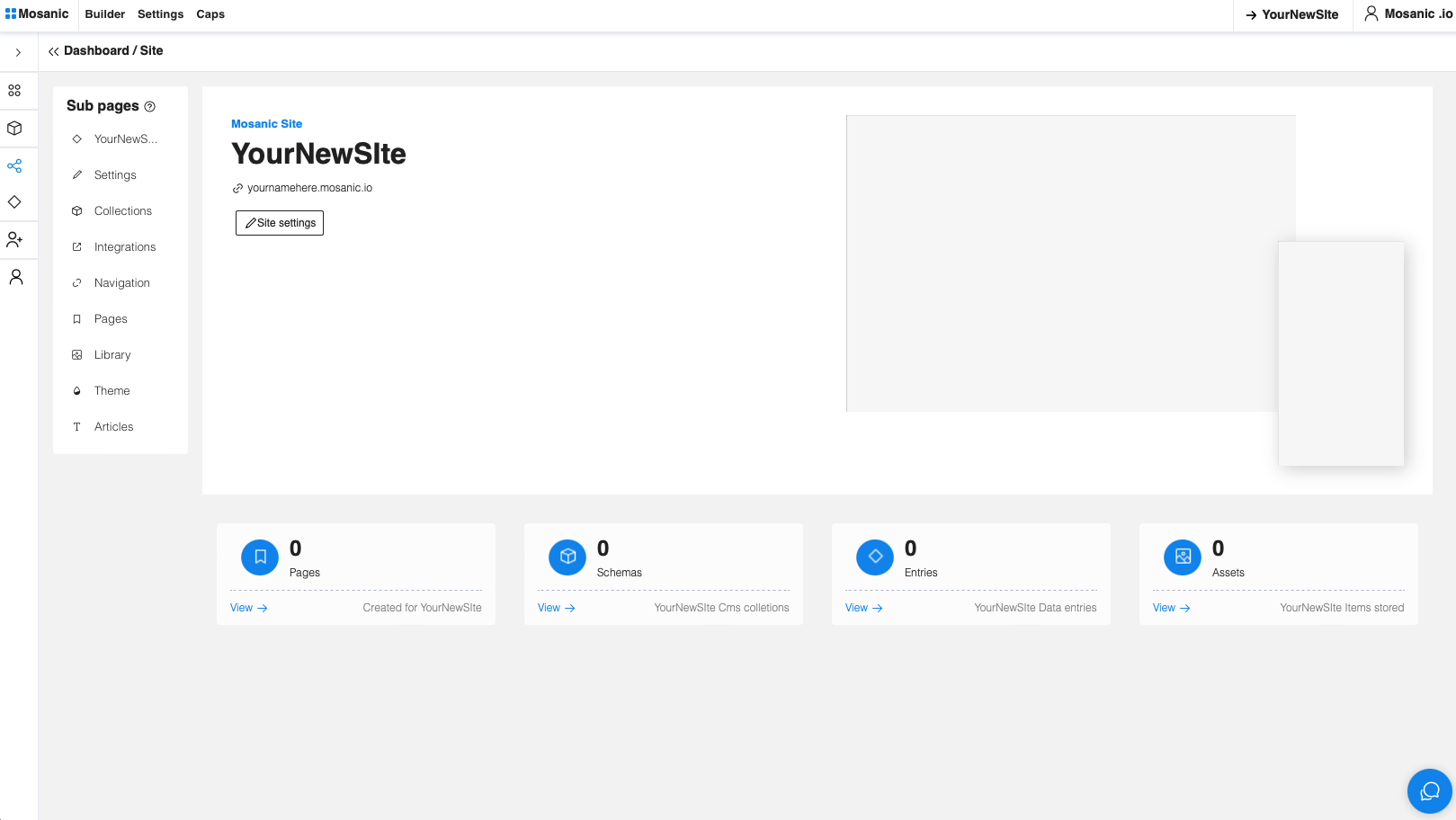
- 3.3 Site
4. Go to the builder

In the navigation should your -> site be selected, if not. Click 'sites' and select your site.
After you've selected your site, click Builder to enter the builder.
5. Create your a first page
- 5.1 Controls
- 5.2 Elements
- 5.3 Layouts
- 5.4 Layers
- 3.5 Edit
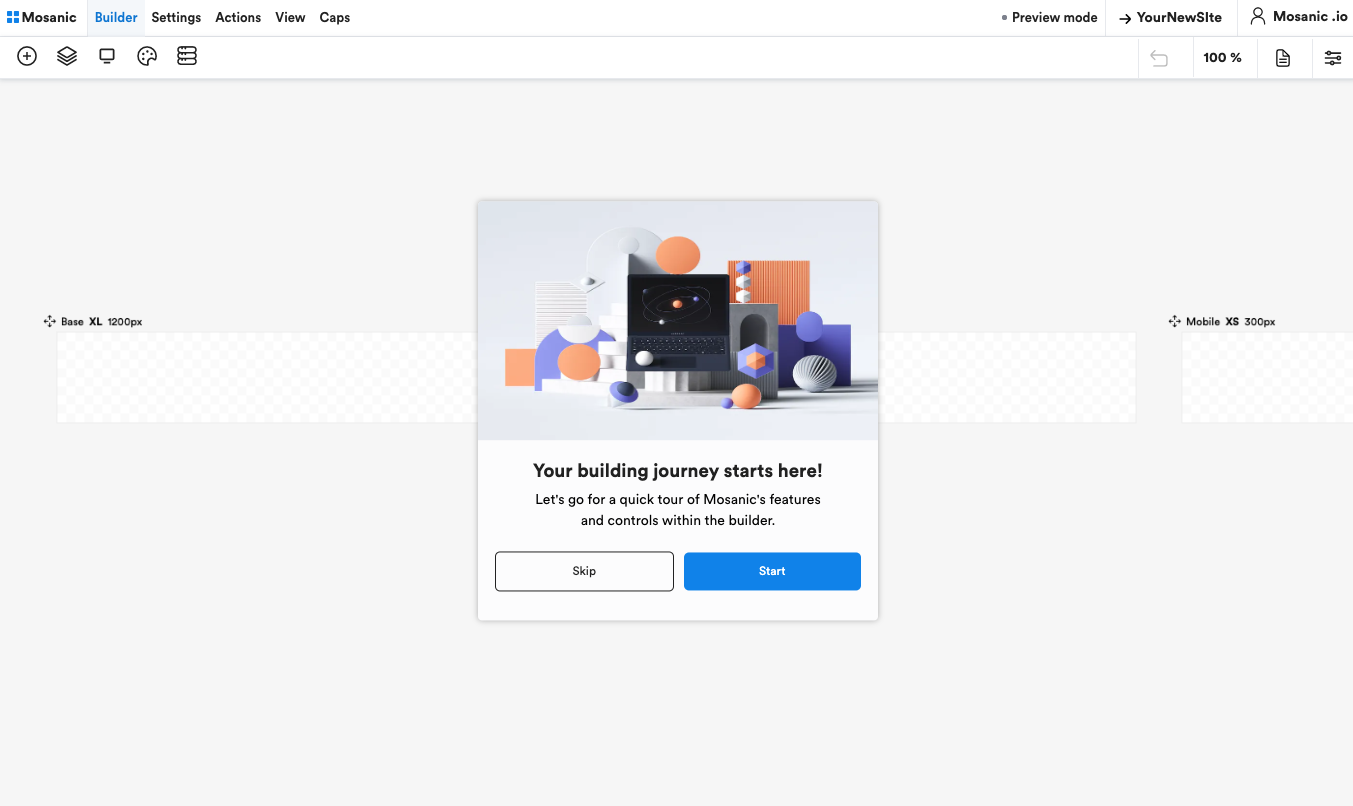
Get familiar with the controls