How the builder works
Mosanic is a visual site/platform builder. That embraces reuse and dynamic data. In it's core is the visual editor with multiple canvas types to display your pages, sections, data blocks, components and even tokens.
The builder canvas
You can load in data types on different canvas screens next to each other, or separate.
We will start with the default configurations and explain later how to optimize your own workflow.
Quick-start: Learn canvas controls
Responsive page
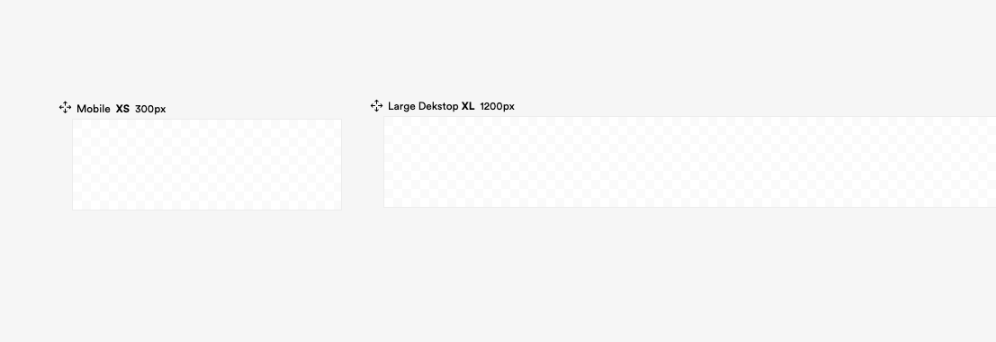
The page canvas is what get's loaded by default when you open the builder. It's the foundation of each Mosanic page and since we live in a almost Mobile First time digital age, it displays a Mobile and Large desktop overview of your design.
- Start Canvas Pages
- Add Screen Size
- Reorder screens
- Learn more
Add a new canvas screen
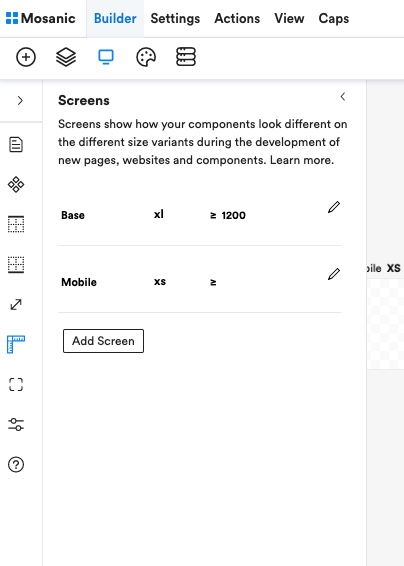
Click the desktop icon in the sub nav, click the ruler icon and add a screen.
Move and reorder
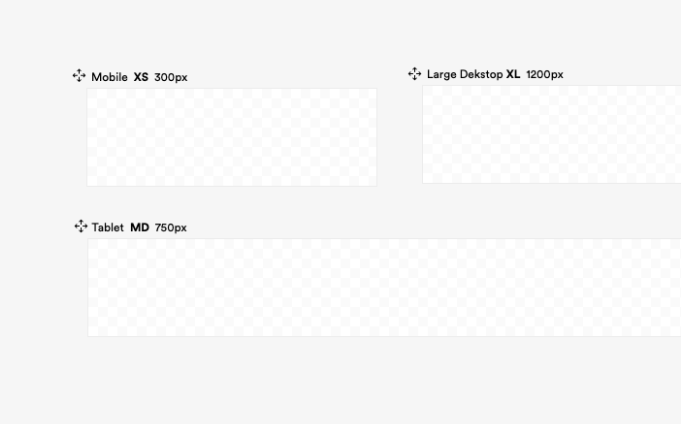
Click and hold the arrows icon next to the screen name.
Drag the screen to the desired position.
Explore the other editor canvas options
As said, pages aren't the only type of canvasses.
All of your content and designs can life in a canvas.
Learn more about the canvas
Start building
Drop an layout
Extend with a component
Inspect
Modify content
Edit sizing
Change styling
{/*  */}